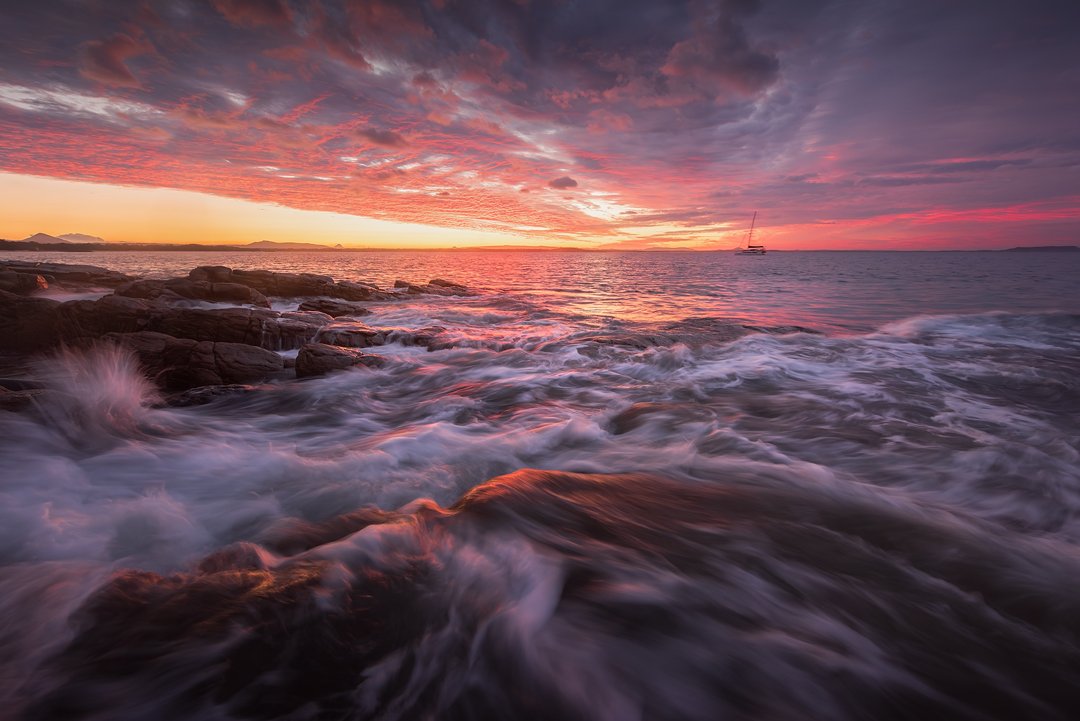
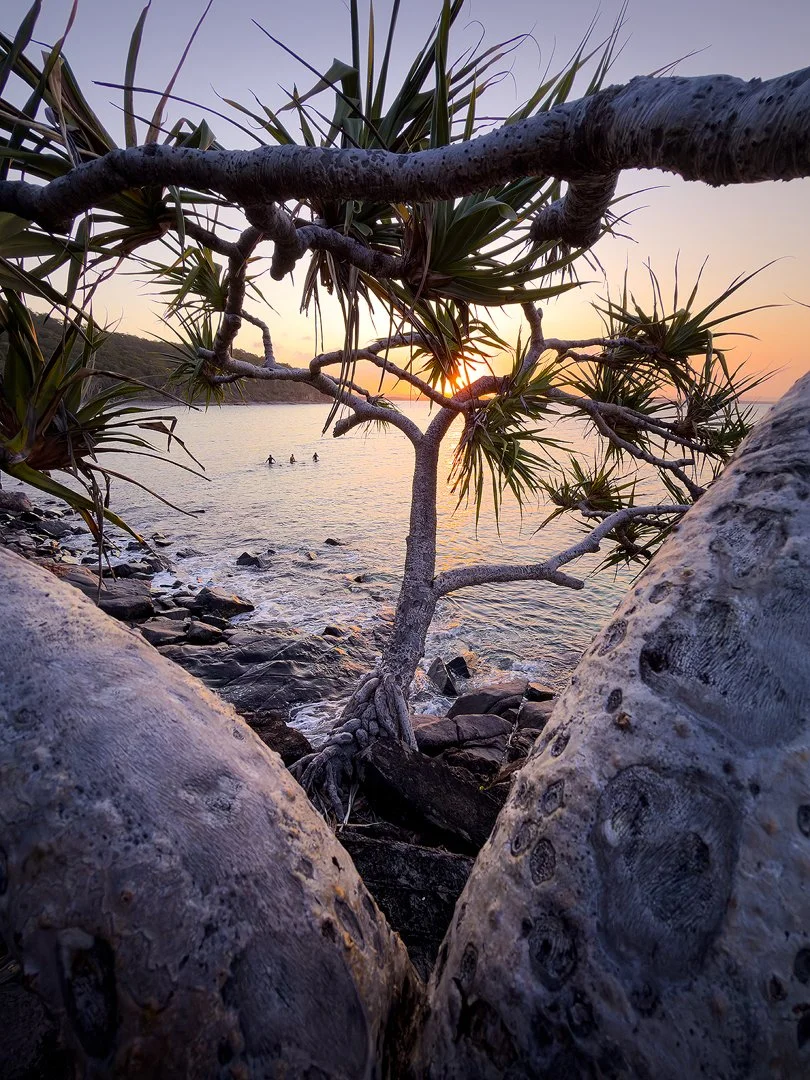
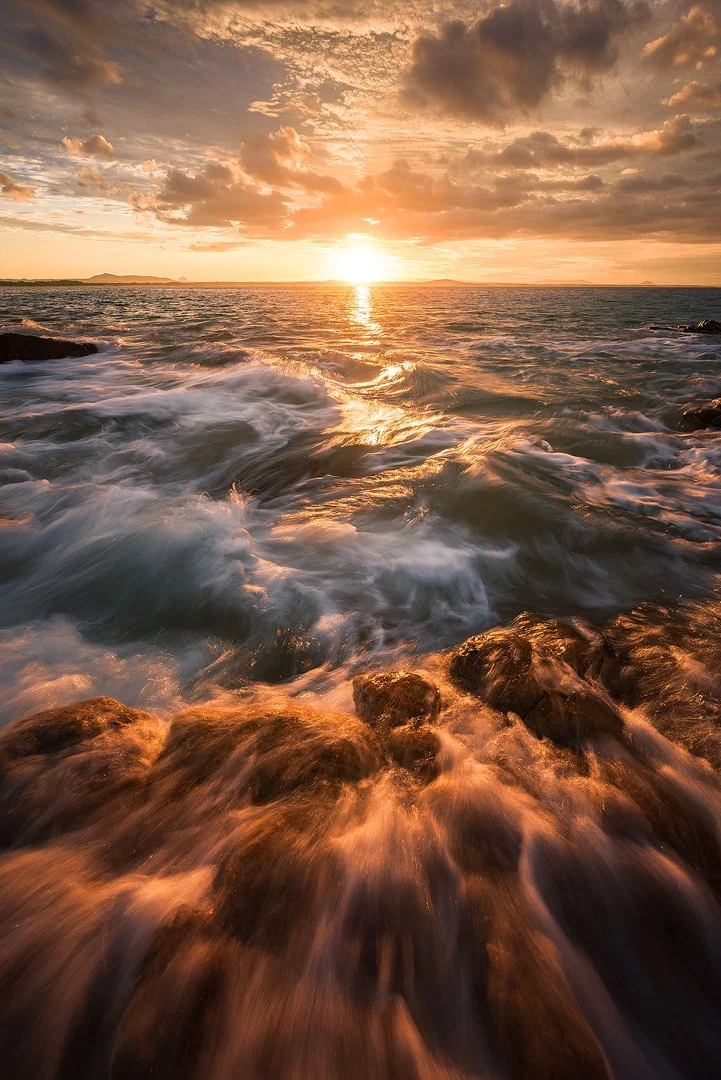
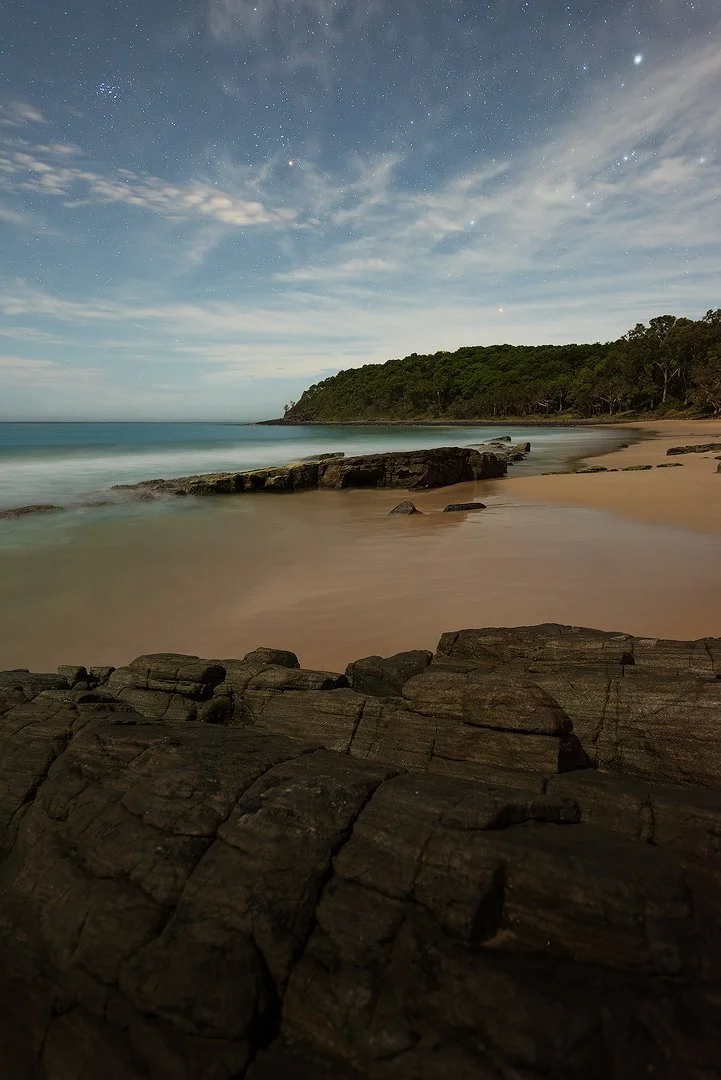
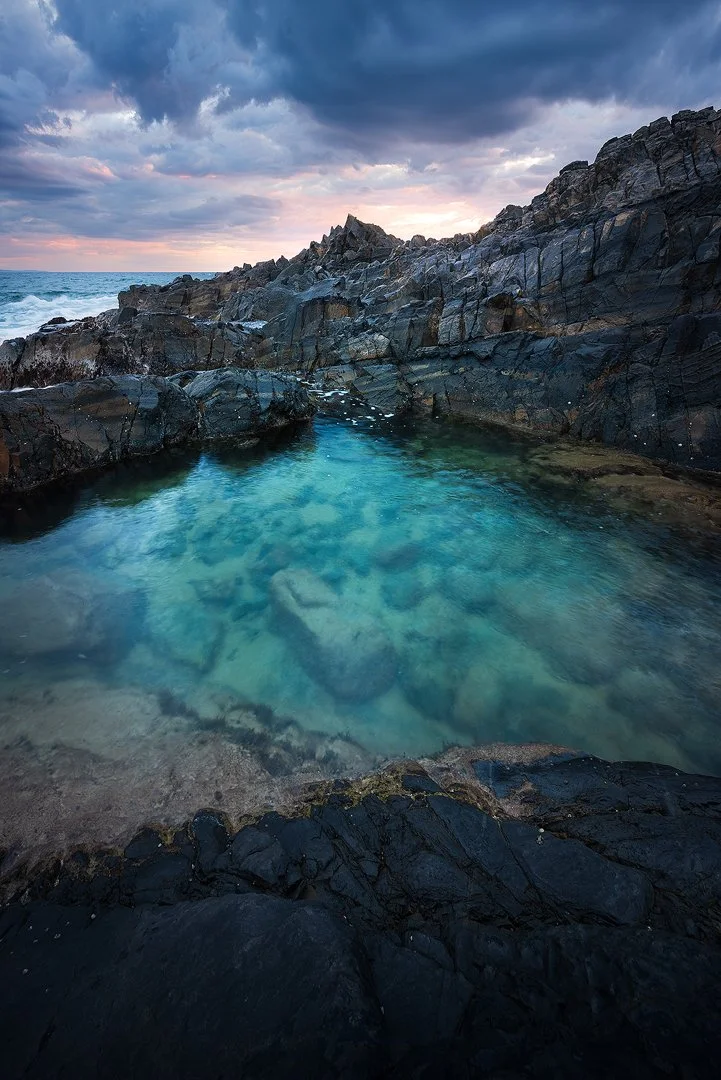
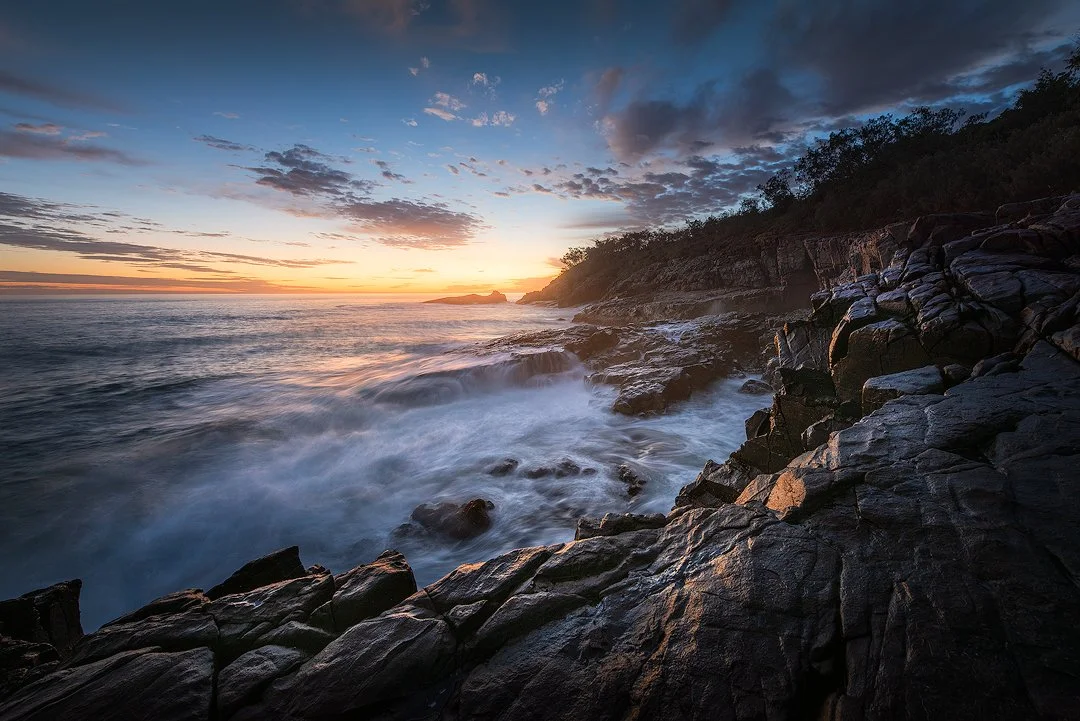
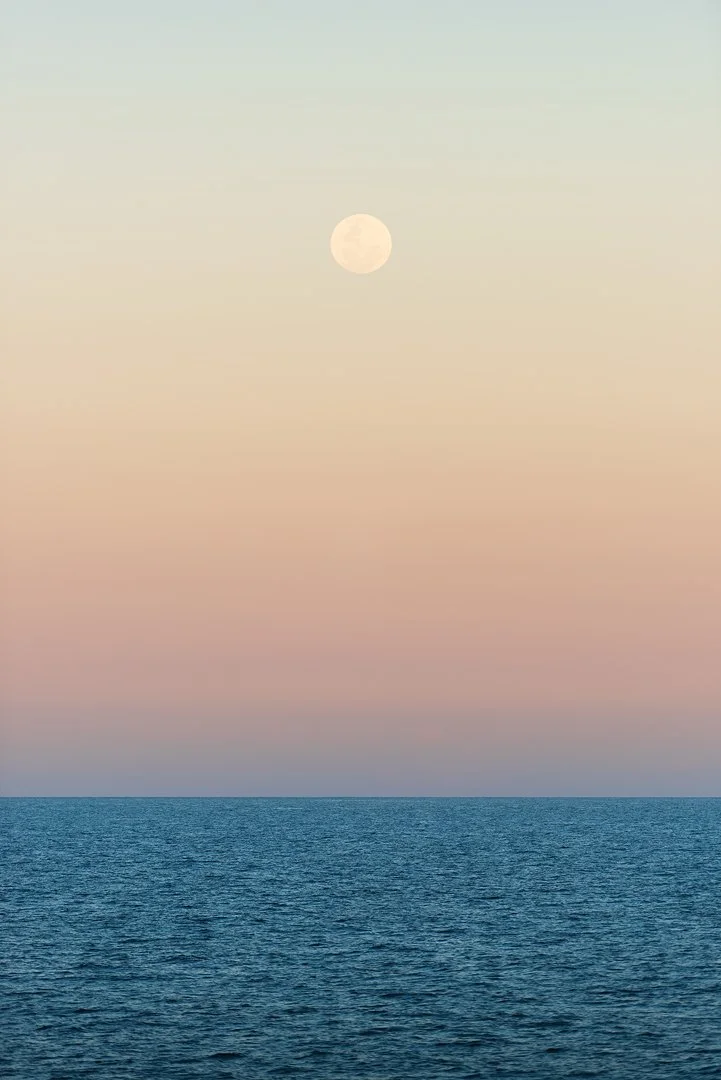
Noosa + Borumba Dam Seascape + Rainforest + Astro* 10–13 Sep 2026

Noosa + Borumba Dam Photography Workshop (10–13 Sep 2026)

Noosa Heads + Sunshine Coast Hinterland · Queensland, Australia

Tuition-only (accommodation + transport self-booked)

September is prime time for the west-setting Milky Way, but the coastline around Noosa is too bright to shoot it reliably. This small-group workshop is designed as a two-environment intensive: Noosa headlands and rainforest textures by day, then a dedicated dark-sky Milky Way session at Borumba Dam (around 40 minutes inland) when conditions align. You’ll shoot in the field, then consolidate with daily Lightroom/Photoshop editing sessions (9:00am–12:00pm) so you leave with a workflow you can repeat.

4 days / 3 nights Max 3 participants AU$450 deposit From AU$2,650 Editing sessions 9am–12pm
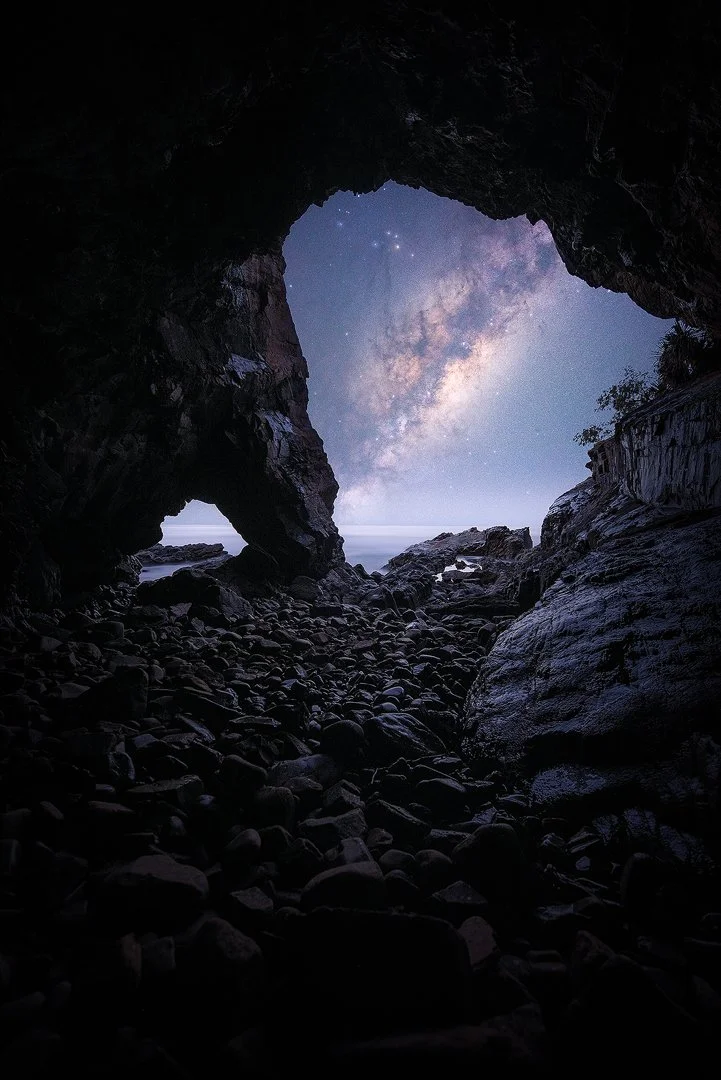
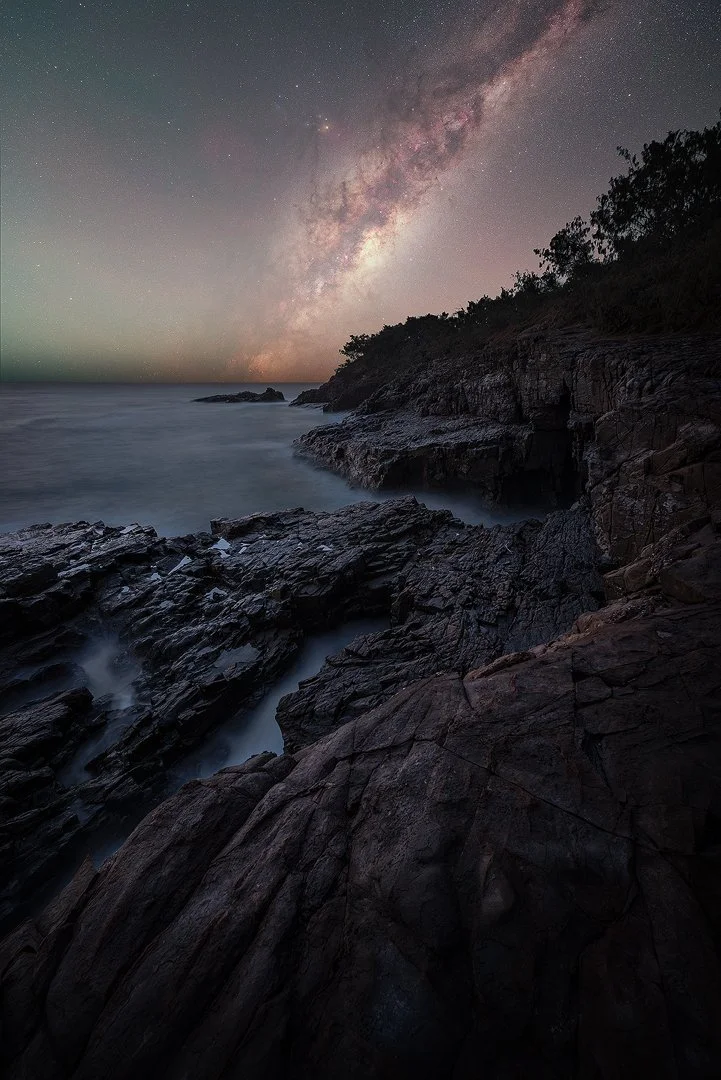
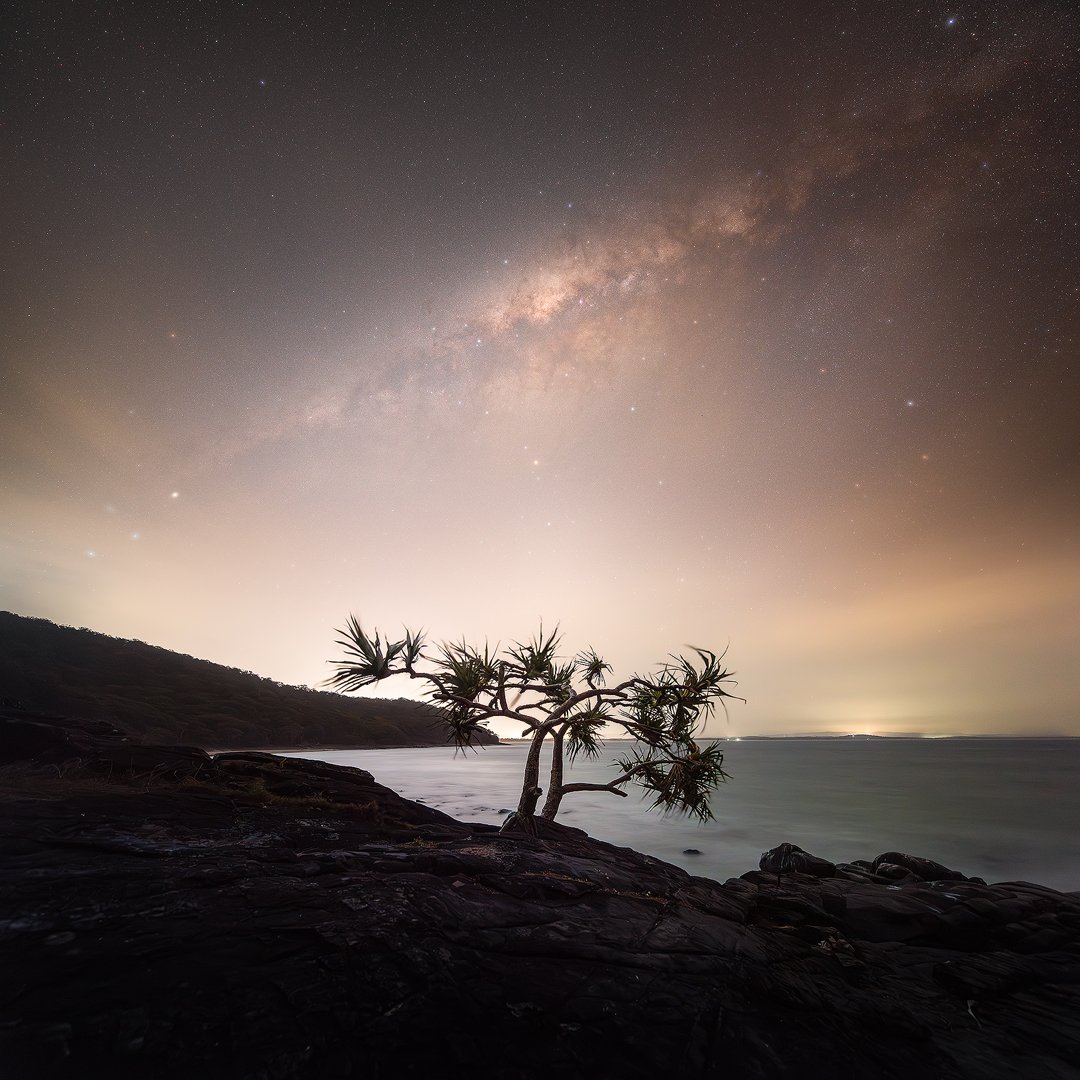
Milky Way nightscape at Borumba Dam, Sunshine Coast hinterland

Answer-first: This Noosa + Borumba Dam photography workshop (10–13 Sep 2026) is designed for photographers who want stronger sunrise/sunset seascapes, rainforest texture studies, and a repeatable Milky Way setup at a darker inland location. With max 3 participants, you’ll get hands-on coaching in the field, then consolidate with daily Lightroom/Photoshop editing sessions (9am–12pm). Accommodation and transport are self-booked.

Dates: 10–13 September 2026
Locations: Noosa National Park + Borumba Dam (astro)
Duration: 4 days / 3 nights
Group size: Max 3 (tuition capped)
Target plan: 3 sunsets, 2 sunrises, 1 dedicated Borumba Milky Way session*
Editing sessions: 9:00am–12:00pm (Fri–Sun)
What you shoot: headlands, bays, rainforest textures, night technique
Skill level: keen beginners to intermediate
Small-group coaching Conditions-led planning $20M public liability (details on request) Permits/permissions where required
★★★★★

“Dylan clarified a lot of the questions I had. Would love to do this again!”

– Workshop participant
★★★★★

“An amazingly transformative experience as a beginner… I came back with marvellous photos and newfound confidence.”

– Amber

Want a head start on Noosa compositions? Read the Noosa locations guide.

*Astro is always conditions dependent (cloud/haze/moon). The Borumba session is included because it offers darker skies than the coast for western Milky Way season (Jun–Oct).

Workshop snapshot

Short version: shoot hard, learn fast, and leave with a workflow you can repeat.

Focus
Coast + rainforest + astro*

Noosa headlands, rainforest textures, and a dark-sky Milky Way session inland when conditions align.

Coaching
Hands-on, in the field

Composition, settings, stability and focus checks with quick 1-on-1 help.

Editing
Daily sessions (9am–12pm)

Lightroom Classic + Photoshop fundamentals for clean, natural-looking files.

Group size
Max 3 participants

More shooting time, more feedback, and less waiting around.

What happens after you book

This reduces travel stress. You’ll know where to be, what to bring, and how the weekend runs.

  • You’ll receive a short confirmation email with next steps and a simple gear checklist.
  • We’ll confirm meet points (general Noosa Heads area) and timing for the first shoot window.
  • You’ll get recommended accommodation areas (Noosa Heads, Noosaville, Sunshine Beach) based on access.
  • 48–24 hours out, I send a conditions check (tide/swell/wind/cloud) and the current Plan A/Plan B.
  • On the ground, we brief before each session: safety, access, and the shot plan.
  • Editing sessions run Fri–Sun, 9:00am–12:00pm (bring a laptop if you have one).
  • For the Borumba night session, you’ll get a simple driving/meet plan and timing notes.
  • Questions before you commit? Email me and I’ll tell you plainly if it’s a good fit.

Workshop outcomes

Built around repeatable systems: how to plan, shoot, and finish images with less trial and error.

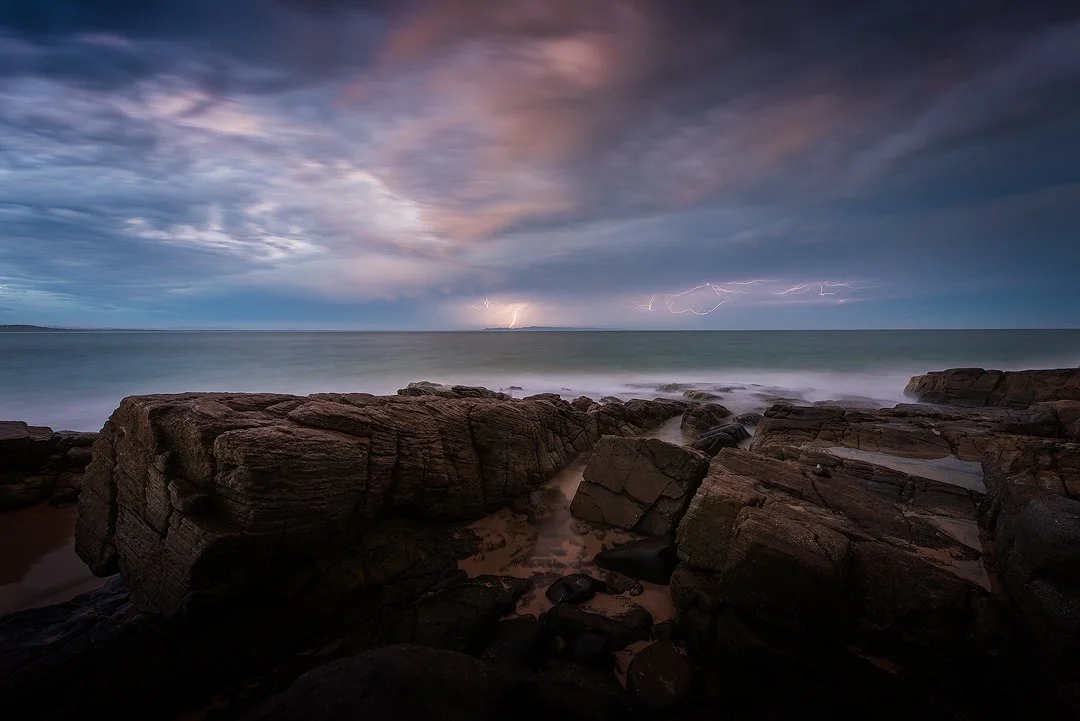
  • Sunrise/sunset exposure control (including harsh contrast and sea spray)
  • Long exposure technique: shutter choices, ND filters, stability, sharpness
  • Composition on headlands: foregrounds, leading lines, visual hierarchy
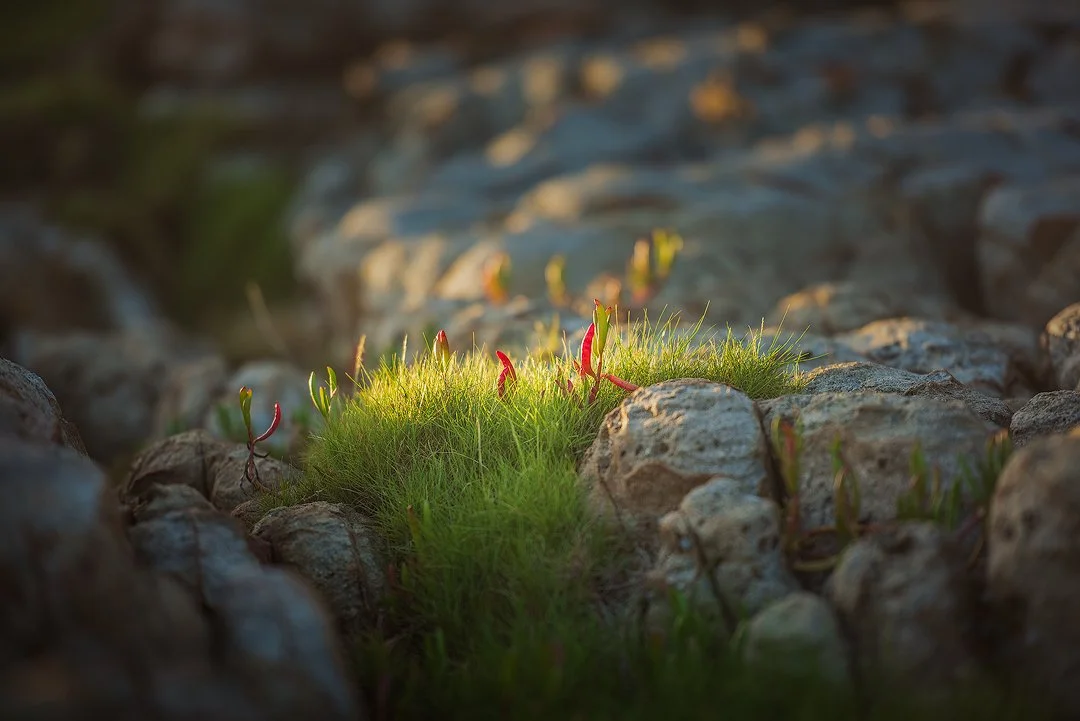
  • Rainforest shooting: texture studies, micro-composition, controlling highlights
  • A simple, reliable night focus routine (so you stop guessing in the dark)
  • Lightroom workflow: culling, global edits, colour, local adjustments
  • Photoshop fundamentals: blending/stacking where relevant (kept practical)
  • How to plan by conditions: tide, swell, wind, cloud and safer access windows
  • Milky Way setup basics: framing, timing, exposure intent, clean files
  • Personal critique + a next-steps practice plan you can follow at home

Locations and access approach

We keep it calm and practical. Locations are chosen based on light, conditions, and safe access.

  • Noosa targets may include Tea Tree Bay, Granite Bay, Dolphin Point lookouts, Hell’s Gates, and Alexandria Bay (conditions permitting).
  • Rainforest sessions focus on textures, ferns, creeks/waterfalls, and repeatable composition systems (exact spot chosen for safety + light).
  • We plan around tide and swell. Some headland sections can be unsafe in certain conditions.
  • Astro is not shot in Noosa National Park. For western Milky Way season we use Borumba Dam for darker skies.
  • Permits/permissions are used where required for locations and activities.
  • If conditions are poor, we shift to safer bays, different timing, or deeper editing sessions.

Why Borumba Dam is included

A purpose-built astro session for west-setting Milky Way season (Jun–Oct).

  • Noosa’s coastal light pollution makes western Milky Way scenes unreliable.
  • Borumba Dam is around 40 minutes inland and typically offers darker skies for the western core.
  • We run one dedicated Borumba session when forecasts and moon phase support it.
  • This isn’t a “bonus add-on”. It’s planned as a highlight session with a clear workflow: setup, focus, exposure intent, and framing.
  • If cloud or haze blocks the sky, you still learn the full night workflow and editing approach so it transfers to your home location.
  • We keep it safe: conservative access, clear meeting points, and a fatigue-aware schedule.

Itinerary snapshot

A clear plan, with flexibility built in for weather and conditions.

Day 1 (Thu) – Travel day + Noosa sunset + brief
  • Arrive and settle into your chosen accommodation
  • Meet from mid-afternoon for a quick brief and settings check
  • Sunset shoot (location chosen for safest conditions)
  • Optional night technique foundations (conditions permitting)
Day 2 (Fri) – Sunrise + editing sessions (9am–12pm) + rainforest + Borumba astro*
  • Sunrise seascapes (conditions-led)
  • Editing sessions 9:00am–12:00pm (workflow, colour, local adjustments)
  • Rainforest texture session (soft light focus)
  • Evening: Borumba Dam Milky Way session when conditions align (around 40 minutes inland)
Day 3 (Sat) – Sunrise + editing sessions (9am–12pm) + headlands sunset + optional night*
  • Sunrise session (conditions-dependent)
  • Editing sessions 9:00am–12:00pm (finishing, blending basics where relevant)
  • Rest and conditions planning
  • Sunset on the headlands or sheltered bay option
  • Optional second night session if skies and energy allow (technique-first)
Day 4 (Sun) – Editing + critique + wrap
  • Editing + workshop review 9:00am–12:00pm (finish your best files)
  • Photo critique and personalised next-steps plan
  • Departure

Note: exact shoot times/locations are conditions-led for safety and the best workable light windows.

Inclusions, exclusions, and logistics

No surprises. Tuition is the focus so you can choose your own accommodation and travel style.

Included
Coaching + editing sessions

Guided field sessions, editing sessions (9:00am–12:00pm), checklists/cheat sheets, and post-workshop email support.

Not included
Accommodation + transport

Accommodation, meals, park fees (if applicable), and transport are self-booked. You’ll get recommendations in your pre-departure info.

We plan around safe access and conditions. We use permits/permissions where required and ask participants to follow park rules and on-site guidance.

Pricing and booking

Progressive tiering rewards early commitment. Pricing is in $AUD.

Early Bird
First booking
AU$2,650
Standard
Remaining spots
AU$2,850

Deposit: AU$450 to secure your spot (choose Early Bird or Standard tier at checkout). Balance due 60 days before the workshop (full payment if booking within 30 days).

Safety, fitness, and night considerations

Coastal and night sessions are conditions-led. Safety and responsible access come first.

  • Expect walks of roughly 1–6km with uneven ground and headland sections.
  • We plan around tide, swell and wind, then choose the safest workable location.
  • Bring closed shoes, a headlamp/torch, warm layers, and water.
  • Night sessions depend on conditions and access, and may not run every night.
  • Dylan Knight Photography holds $20M public liability insurance (details available on request).
  • Permits/permissions are used where required for locations and activities.
  • Drones are not part of the workshop. Rules can change, check CASA and local restrictions.
  • Not a fit if: you want guaranteed astro, you can’t do uneven ground, or you’re uncomfortable near coastal edges.

Gear and software

Bring what you have. I’ll adapt the teaching to your kit.

Essentials
You’ll use these daily

DSLR or mirrorless camera with manual controls, a wide-angle lens, sturdy tripod, spare batteries, lens cloth, and a headlamp/torch.

Optional
Helpful, not required

ND filters (useful but not required), remote/intervalometer, fast wide lens for astro, and a laptop for editing sessions.

Want a simple, practical reference? See my gear list: dylanknight.com.au/mygearlist.

Editing sessions use Lightroom Classic and Photoshop. Subscriptions are not included.

Conditions plan (Plan B)

You still get a strong outcome even if swell, wind, or cloud changes the plan.

  • High swell or unsafe headlands: we switch to sheltered bays and safer angles, and focus on composition and timing.
  • Strong wind: we adjust shutter speeds, stabilisation, and subject choices, then tighten technique in the editing sessions.
  • Heavy cloud: we still shoot seascapes and rainforest, then use editing session time to build a clean finishing workflow.
  • No clear night sky: Borumba astro may not run. We’ll still teach the full night workflow using downloadable Milky Way RAW data captured on a clear night, so the learning transfers anywhere.
  • How changes are communicated: a brief update 48–24 hours out, and a short on-the-day brief before each session.
  • Success still looks like: better field decisions, cleaner files, and a repeatable workflow.

FAQs

Short answers first, then the detail that actually matters.

Is this a Noosa National Park workshop with astro?
It’s a two-environment workshop designed to give you the best of both worlds: Noosa headlands and rainforest textures by day, plus a dedicated Milky Way session at Borumba Dam when conditions align. Astrophotography is a priority and planned around moon phase and Milky Way alignment for the specific locations we shoot. Everything is conditions-led and safety-first. If cloud blocks the sky, I provide downloadable Milky Way RAW data captured on a clear night so we can still teach the full field-to-finish workflow in the editing sessions, and you can still shoot your own foreground elements.
Is the Milky Way shot inside Noosa National Park?
No. For September’s west-setting Milky Way season, Noosa’s coastal light pollution makes consistent results unreliable. We use Borumba Dam (around 40 minutes inland) because it’s typically darker and better suited to western Milky Way compositions. We plan the Borumba night around moon phase, forecasts and fatigue, with clear meet points and conservative access. If the sky doesn’t open up, you still learn the complete capture-to-edit workflow using my downloadable Milky Way RAW data, then apply it to your own foregrounds.
Will we definitely see the Milky Way?
No. We plan hard, but we don’t promise the sky. Cloud, haze and wind can change what’s possible on the night. The upside is that conditions often improve your seascapes and rainforest work, moody cloud and textured light can be a gift. If the Milky Way isn’t visible, you still won’t miss the learning: I provide downloadable Milky Way RAW data captured on a clear night so we can run the full workflow through the editing sessions (setup, settings, editing, blending and finishing). You’ll also have chances to shoot your own foreground elements.
Do I need to know manual mode?
It helps, but you don’t need to be advanced. This workshop is built for keen beginners to intermediate photographers who want a repeatable system. We’ll lock in a simple manual exposure approach early, then build on it across seascapes, rainforest textures and night technique. You’ll get hands-on coaching in the field (stability, focus checks, shutter choices), then consolidate in daily Lightroom/Photoshop editing sessions so the process sticks. The goal is confidence and consistency, not guesswork.
Do I need a tripod?
Yes. A sturdy tripod is essential for long exposures, low-light rainforest work, and astrophotography technique. It’s also what allows you to slow down and make cleaner composition decisions without rushing. If your tripod is light, we’ll work around it with stability habits (leg placement, weight, wind management) and realistic shutter choices. Tripod technique is part of the teaching, you’ll learn how to set up quickly, keep things sharp, and avoid the common “soft file” traps.
Do I need ND filters?
No, they’re not required. NDs can be useful for certain long-exposure looks, but you can absolutely learn the core technique without them. We’ll focus on timing, composition, shutter choices, stability and clean files first. If you’re considering buying filters, email me before you purchase because I’m a NiSi reseller and can often save you money, and I can help you avoid buying the wrong sizes or strengths. You’ll still get strong results on this workshop even if you don’t own filters.
Do I need a laptop for editing labs?
Strongly recommended if you have one, because you’ll learn faster by doing the workflow on your own files in real time. If you don’t have a laptop, you can still get value by watching the process, taking notes, and applying it at home afterwards. The editing sessions are practical and repeatable: culling, global edits, colour, local adjustments, plus Photoshop fundamentals where relevant. You’ll leave with a clear sequence you can run on your own work, not a vague “edit until it looks good” approach.
Is accommodation included?
No. This is tuition-only, so you can choose your own accommodation style and budget. Most people stay around Noosa Heads, Noosaville, or Sunshine Beach for easy access to shoot windows and editing sessions. After booking, you’ll receive recommended areas and a simple run sheet so you can book with confidence. Keeping it tuition-only also lets the workshop stay small, focused, and flexible around conditions without locking you into a single hotel timetable.
Is transport included?
No, it’s self-drive with clear meeting points. That keeps things simple and gives you flexibility across Noosa and the hinterland. For the Borumba Dam night session, you’ll get an easy driving and meet plan, timing notes, and a clear safety brief. If you’re not comfortable driving at night, tell me early and we’ll talk through options. The schedule is built to manage fatigue, with conservative timing and a practical focus on getting quality learning without burning you out.
Are permits required?
Some locations and commercial activities can require permits or permissions. For this workshop, assume permits/permissions are secured where required for the listed locations and activities, and we operate within the conditions of those approvals. We also follow park rules, signage, and on-site guidance at all times. If anything changes operationally, you’ll be informed in the pre-workshop brief. The aim is simple: run a premium workshop that’s professional, respectful, and compliant.
Are drones part of the workshop?
No, drones aren’t part of the workshop. If you fly independently outside workshop time, you’re responsible for checking current CASA rules and any local site restrictions. Rules can change and some areas have specific constraints, so always verify before flying. This workshop is designed around strong ground-based compositions and repeatable technique, so you won’t be missing anything by leaving the drone at home.
What if the weather is bad?
We work with it. Cloud and shifting conditions often create the most dramatic seascapes and rainforest scenes, moody light, texture, and atmosphere are a huge part of why Noosa can shine. If swell or wind makes a headland unsafe, we choose sheltered bays, safer angles, and better timing. If the night sky is blocked, you still learn the full astrophotography workflow using downloadable Milky Way RAW data captured on a clear night, and you can still shoot your own foreground elements. We communicate changes 48–24 hours out and brief before each session.
Is the workshop insured?
Yes. Dylan Knight Photography holds $20M public liability insurance, with details available on request. We also operate safety-first with conservative access choices, clear briefs, and documented practices. Insurance is part of running this properly, but the real value is how we reduce risk in the field: no forced locations, no “hero shot” behaviour, and decisions that prioritise the group and the conditions on the day.
What’s the cancellation and refund policy?
Your booking is covered by the published Terms & Conditions and Cancellation Policy. If you’re unsure how something applies to your situation, email me before you book and I’ll tell you plainly if it’s a good fit. I’d rather you feel confident and aligned upfront than stressed later. If a spot becomes available through a cancellation, it will be offered through the priority list/newsletter first, so you can act quickly if the timing suits you.

Helpful links: 2026 workshops overview · Priority list · Private workshops

Small-group tuition (max 3). Locations are conditions-led for safety and the best possible outcomes.
*Astro sessions are weather dependent. If skies don’t cooperate, the workflow is still taught so it transfers to your home location.
© 2026 Dylan Knight Photography · Sunshine Coast, QLD

Testimonials

★★★★★

"Dylan has put a lot of time and effort into this workshop. He is easy to understand and ensures each student gets the time they need to grasp the concepts. I really appreciated that there were only four students—Dylan spent plenty of time with each of us. The follow-up eBooks he created and published are a terrific way to reinforce the weekend and make sure the new techniques and knowledge really stick. Thank you Dylan—I really enjoyed the weekend and can’t wait to see what’s next."

– Jo

★★★★★

"Highly recommend Knighty’s Photography! You won’t be disappointed! I’ve done a few private workshops with Dylan over the last five years and it’s been great! Looking forward to my next workshop with Dylan!"

– Wendy K.

★★★★★

"Knighty's Astro photography session was an amazingly transformative and immersive experience as a beginner photographer... I came back with marvellous photos and newfound confidence."

– Amber

★★★★★

"I was absolutely stoked with the workshop... Dylan clarified a lot of the questions I had. Would love to do this again!"

– Workshop Participant

★★★★★

"Dylan was an attentive and knowledgeable instructor who was prepared to put in extra time... He made sure to check on all photographers and provided tailored advice."

– Participant Feedback

★★★★★

"The workshop was excellent. Dylan was very knowledgeable and professional. He went over and above to ensure we all had a great experience."

– Nikon School Attendee

★★★★★

"Even with the constant rain, Dylan kept me up to date and gave me peace of mind. The workshop clarified so many things that YouTube never could. Highly recommended!"

– Workshop Attendee

★★★★★

"I would highly recommend a Nikon School Workshop and Dylan Knight. He followed up with extra resources and provided a professional experience from start to finish."

– Nikon Workshop Participant