Watch the tutorials
Click any thumbnail to watch on YouTube. Each tutorial includes a short summary and the key takeaways so you can choose what to watch next — and if you want faster results, I can help via workshops or custom support.

Ultimate Panorama Guide (Astro + Landscape) — Lightroom + Photoshop
Capture and stitch panoramas with confidence — then take them from RAW to final using a practical Lightroom + Photoshop workflow. Works for both night sky and landscape panoramas.
- How to edit & fix panoramas (Photoshop technique)
- Camera settings for astro + landscape panoramas
- Step-by-step post-processing in Lightroom and Photoshop
- Tips for capturing Milky Way / night sky panoramas

Increase Sunrise Success — Pink Skies, Twilight Stages + Planning Apps
Learn the “why” behind pink skies, the stages of twilight, and how to plan better shoots using my go-to apps. Perfect if you’re tired of showing up to flat skies.
- Science behind pink skies at sunrise and sunset
- Twilight stages and when colour is most likely
- Planning apps: Willy Weather, Windy, Clear Outside
- Practical tips to improve your sunrise hit-rate
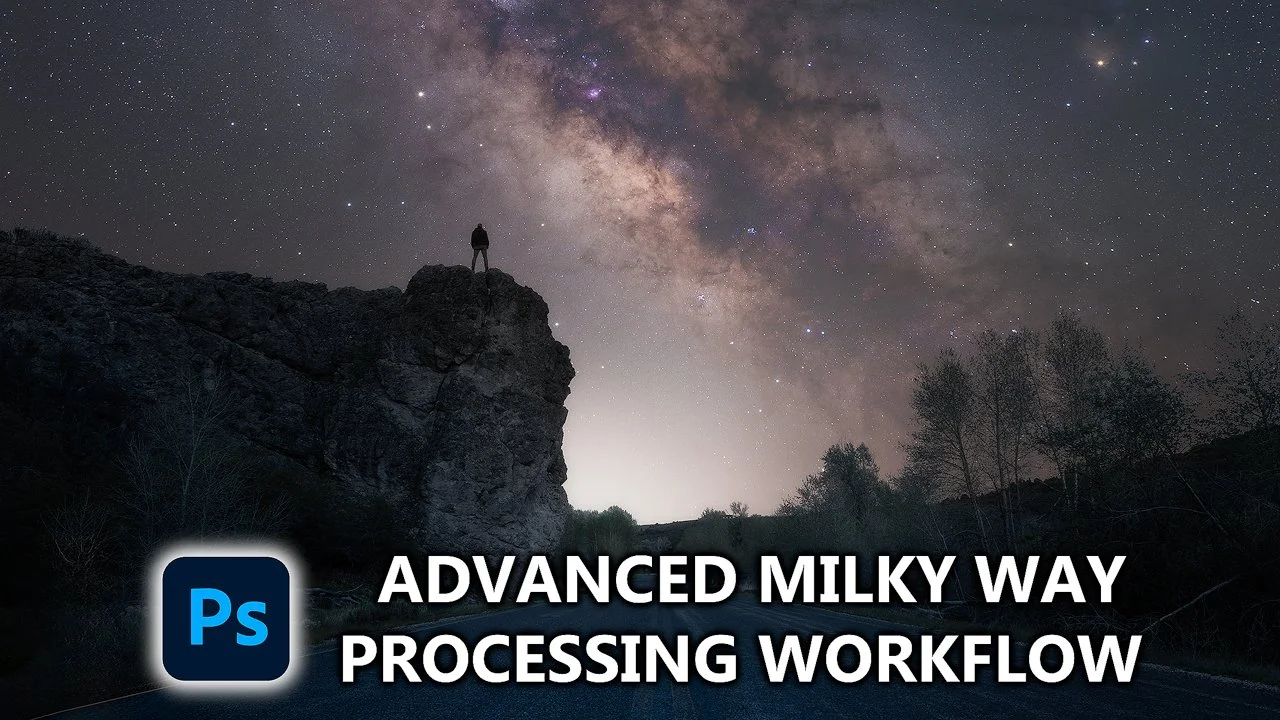
Advanced Milky Way Processing Flow — Stacking, Masking + Colour
A deeper astro edit covering Lightroom prep, noise reduction and detail enhancement via stacking in Photoshop, plus masking, blending, halo fixes, and colour correction. The video is older, but the methods remain relevant and useful.
- Lightroom prep + Photoshop stacking for noise/detail
- Star reduction + precise masking
- Sky/foreground blend + halo fixes
- Colour correction + guiding viewer attention
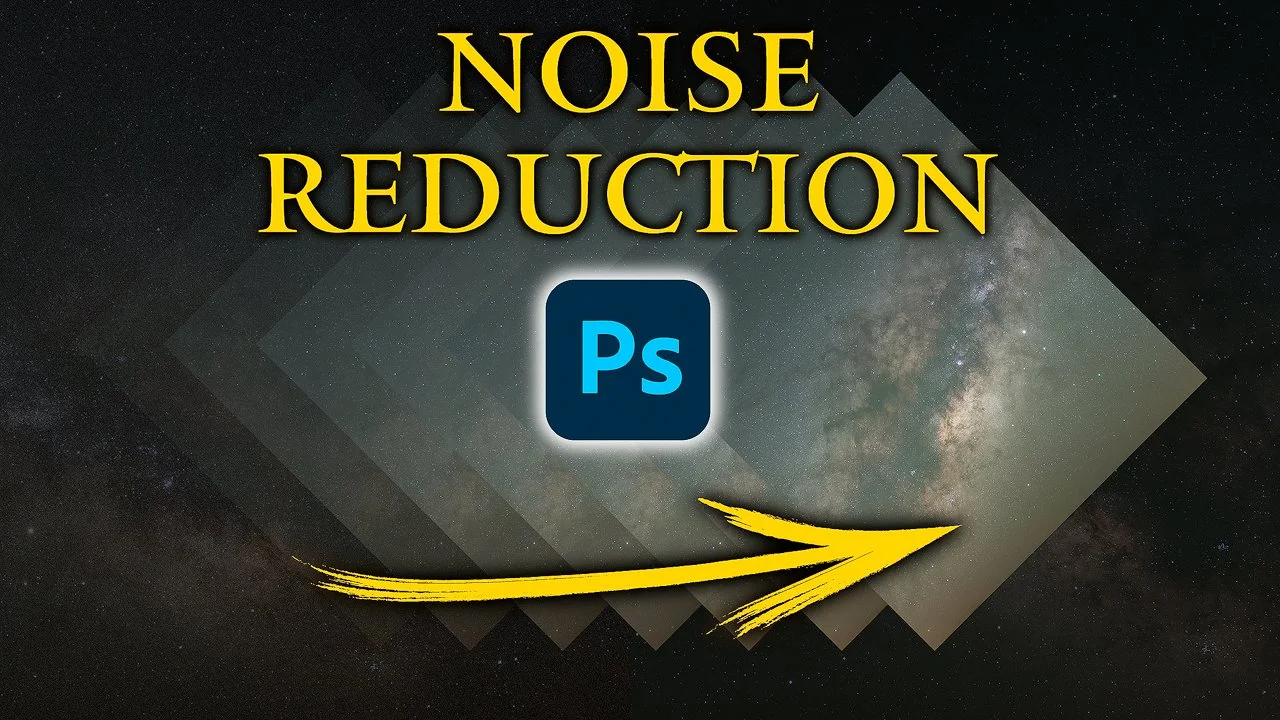
Noise Reduction (Astro) — Stacking in Photoshop
Noise is one of the biggest astro headaches. This tutorial shows how stacking reduces noise dramatically (with or without a tracker) and helps reveal fine Milky Way detail.
- Why stacking works for cleaner astro results
- Step-by-step stacking process
- Benefits with or without a tracker
- Photoshop finishing tips for astro detail

Milky Way Colour Correction in Lightroom
A quick, effective method for colour-correcting Milky Way shots in Lightroom. I also explain why I prefer shooting around 5500K / daylight WB to keep colours natural and easier to balance.
- Fast colour correction steps for Milky Way images
- Lightroom approach for astro colour balance
- White balance tips for natural colours
- Practical post-processing guidance
Like this content?
If you want faster progress (or want feedback on your specific files), check out my workshops and custom editing support. If you just want to learn for free — no worries — the tutorials above are here for you.
© 2025 Dylan Knight Photography · Sunshine Coast, QLD · ABN 86 112 559 463